Interactive
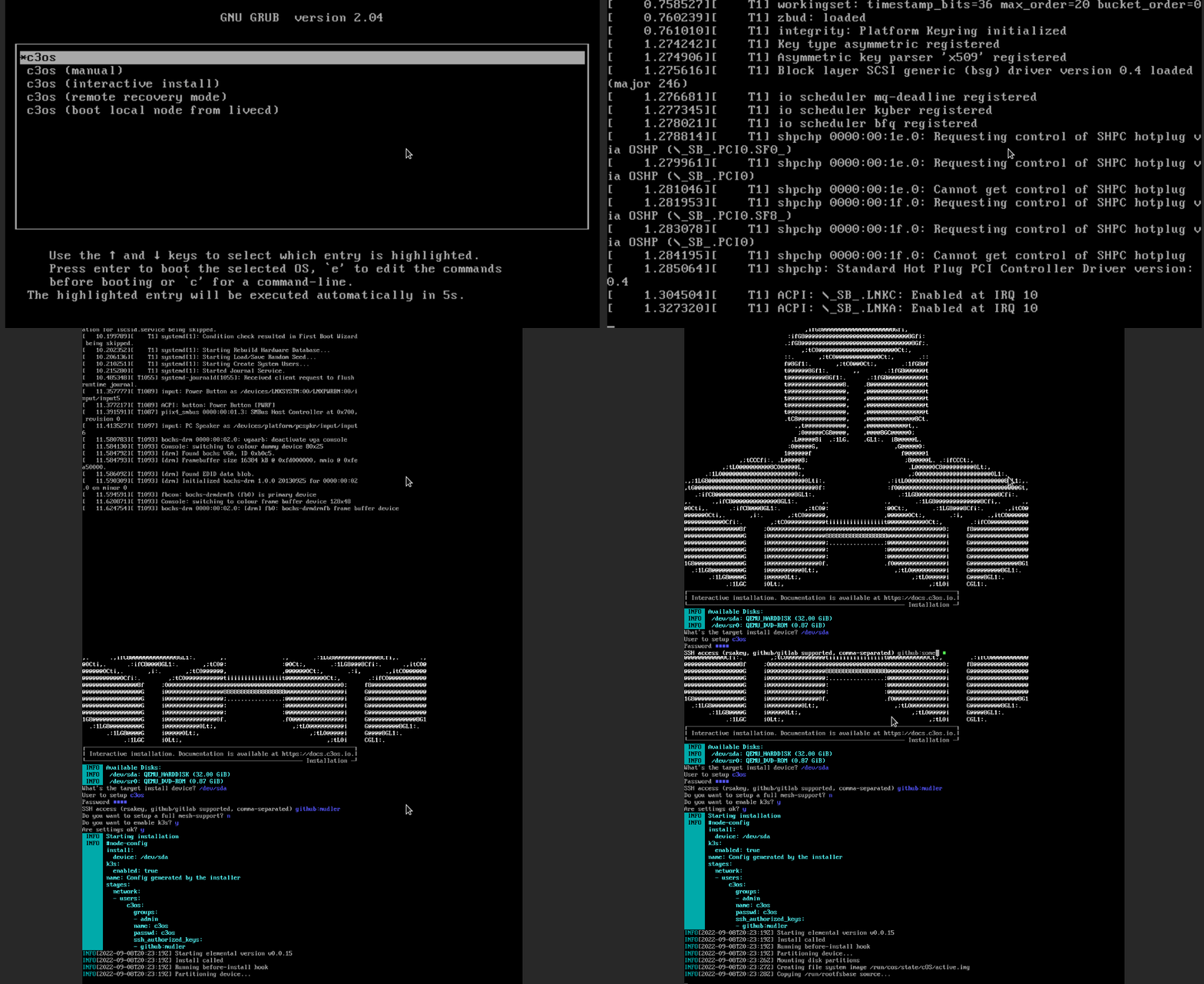
The interactive installation can be accessed from the LiveCD ISO and guides the user into the installation process.
It generates a configuration file, which is later accessible after installation in the /oem/90_custom.yaml file.
From the boot menu
When loading any Kairos ISOs, a GRUB menu, like the following will be displayed. To access the interactive installation, select the third entry (kairos (interactive install)).
Manually
The interactive installer can be also started manually with kairos-agent interactive-install from the LiveCD.